
Kern Vascular Center
Medical Software
Software for medical clinics, developed and used at Kern Vascular Center. These tools support two parts of the clinic day: documenting the visit, and guiding patients in the waiting room.
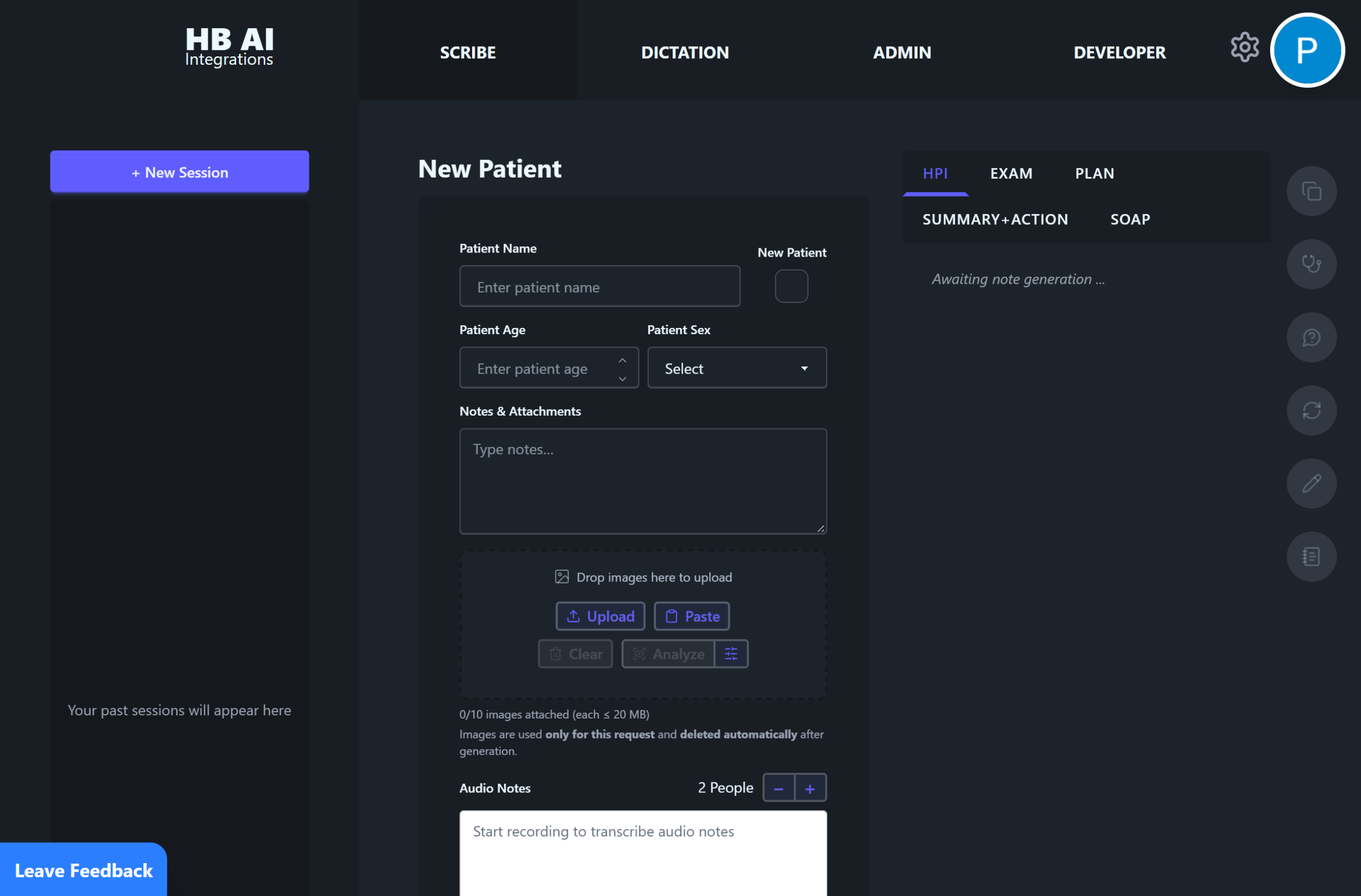
Medical Scribe
Medical Scribe helps clinicians document the visit while they stay with the patient. Speak or type what was discussed, examined, and decided. The software organizes that into clinical notes, a history and physical, and letters the practice can review before they are finished.
When a section needs a change, the clinician can dictate the revision and see it in the draft. The chart stays in the clinician’s words, and documentation can keep pace with a full clinic schedule.
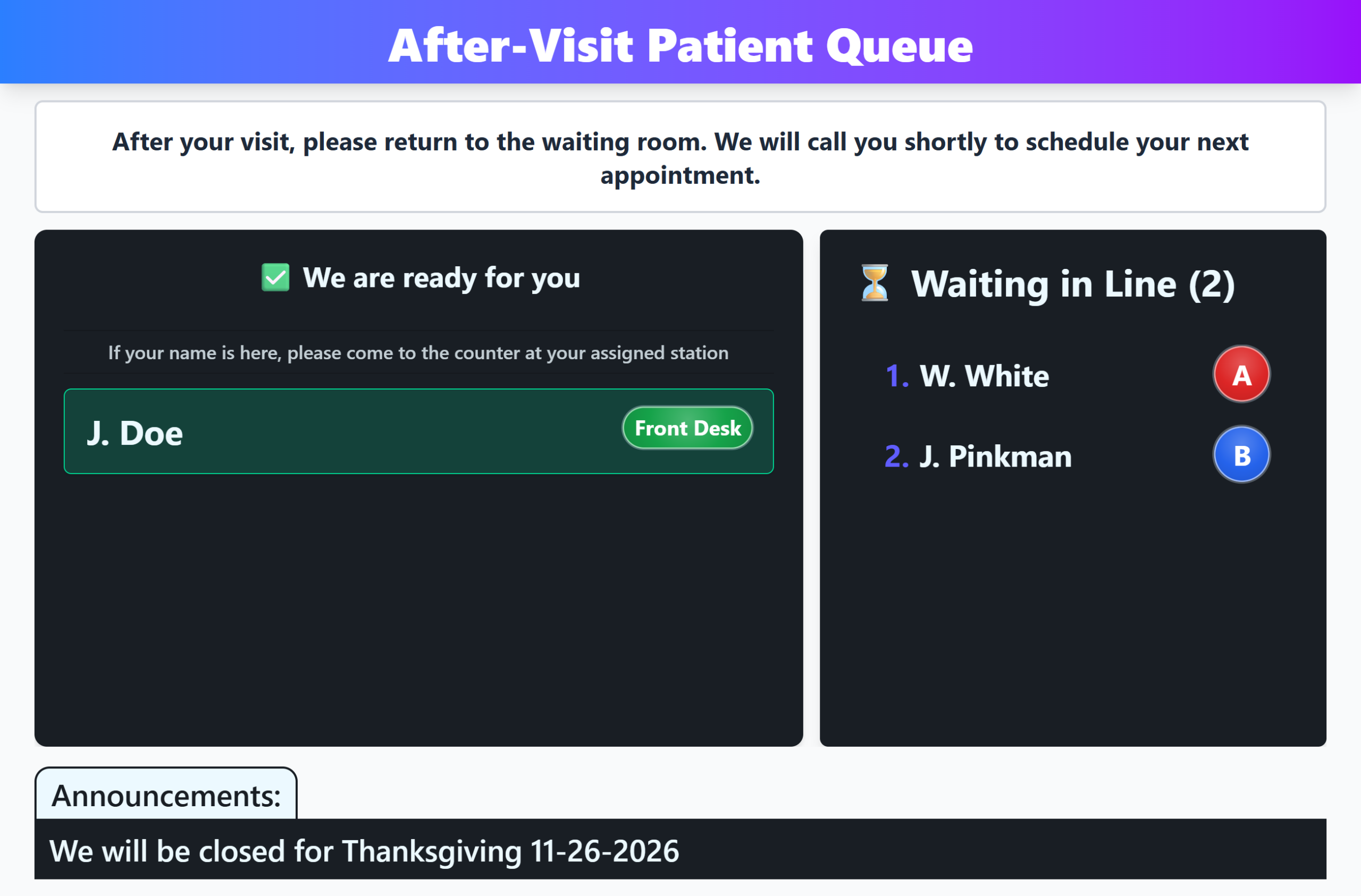
Patient Queue
Patient Queue is the waiting-room display for a clinic. The lobby screen shows who is being seen now and who is still waiting. When staff are ready for the next patient, the room hears that name in English and in Spanish, so people know when to come forward.
Staff run the line from their own screen: add a patient, mark them ready, and keep the lobby current as the day moves. The waiting-room screen is there to be watched. Clinics can also post a short message along the bottom for directions, hours, or a reminder.
